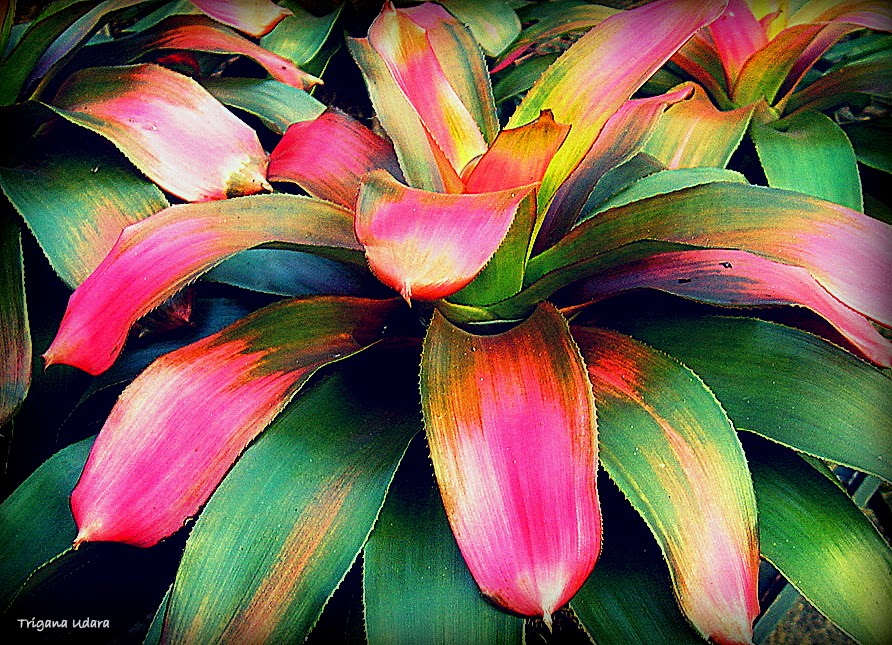
Mixed Flowers:
Sunday, January 20, 2013
Thursday, April 19, 2012
Create a Photo Album Cover
Often we have trouble choosing one photo will be used as an Album Cover. Folders on a Windows-7 is a good example to form an attractive cover.
It's just tips for those who want to create an electronic Album Cover, on facebook photo album, picasa web album and others.
Following are the steps that need to be done:
A. Create a collage of the contents of your album, select some images are quite interesting. Use the software that is easy, can use the Picasa-3, PhotoScape or asimpler; Microsoft Office - Power Point (please see this page as an example).
Create Collage by Picasa-3;
B. Use Microsoft Office - PowerPoint to create text, PowerPoint has a good font facilities. Write the title of your Album Cover, then select the "font", "size" and "position"as appropriate.

C. Safe the file using "save as" with file extension ".jpg" also save your file with extension ".pptx" as a reserve, which may be used at a later time to repair.
Save by "Save as"
D. Finish.... have nice Album Cover ... :) , can be upload/post as an album cover for facebook, picasa, etc.
Good luck, Enjoy and be Happy with new Album Cover...... :) - Best regards, Trigana.Udara/Winarto KM
It's just tips for those who want to create an electronic Album Cover, on facebook photo album, picasa web album and others.
Following are the steps that need to be done:
A. Create a collage of the contents of your album, select some images are quite interesting. Use the software that is easy, can use the Picasa-3, PhotoScape or asimpler; Microsoft Office - Power Point (please see this page as an example).

Or can create collage picture by PhotoScape, as follow;
Insert your collage picture to the PowerPoint

Type the Album Title and put in an appropriate position.

C. Safe the file using "save as" with file extension ".jpg" also save your file with extension ".pptx" as a reserve, which may be used at a later time to repair.
Save by "Save as"
D. Finish.... have nice Album Cover ... :) , can be upload/post as an album cover for facebook, picasa, etc.
Good luck, Enjoy and be Happy with new Album Cover...... :) - Best regards, Trigana.Udara/Winarto KM
Sunday, April 15, 2012
Tuesday, April 3, 2012
Monday, April 2, 2012
Friday, March 30, 2012
Collage Photo Editing
My dear friends;
Sometimes I found my pictures is not good looking, especially if it is stand alone. Then I try to make it collage, and it is help to make it quite nice, you can try by photo editor or any other software. I use "Microsoft Power Point", unusual software for photo editing.., and here is what I do:
1. Open your "Microsoft Power Point"
2. Use "Insert" pictures to get 5, 6 or 7 pictures you like to make a collage

4. Save your picture by "Save As", type file name with extension file ".jpg"
5. Use other photo editing software to crop and put your water mark on your picture, and here is the result:
Look better and can be presented more nicely too, and you can do better than me.... good luck. .............. :)
Saturday, March 24, 2012
Tuesday, March 20, 2012
Subscribe to:
Posts (Atom)